Create an AWS Account in 2025 for Free

Create an AWS Account in 2025 for Free

AWS stands for Amazon Web Services. It is a well-known and popular service for DevOps and Cloud Services.

AWS offers various services under its Free Tier to understand the AWS Services that we will use. Let’s start with the AWS account creation.

1. Go to AWS Console

  • Open any browser.
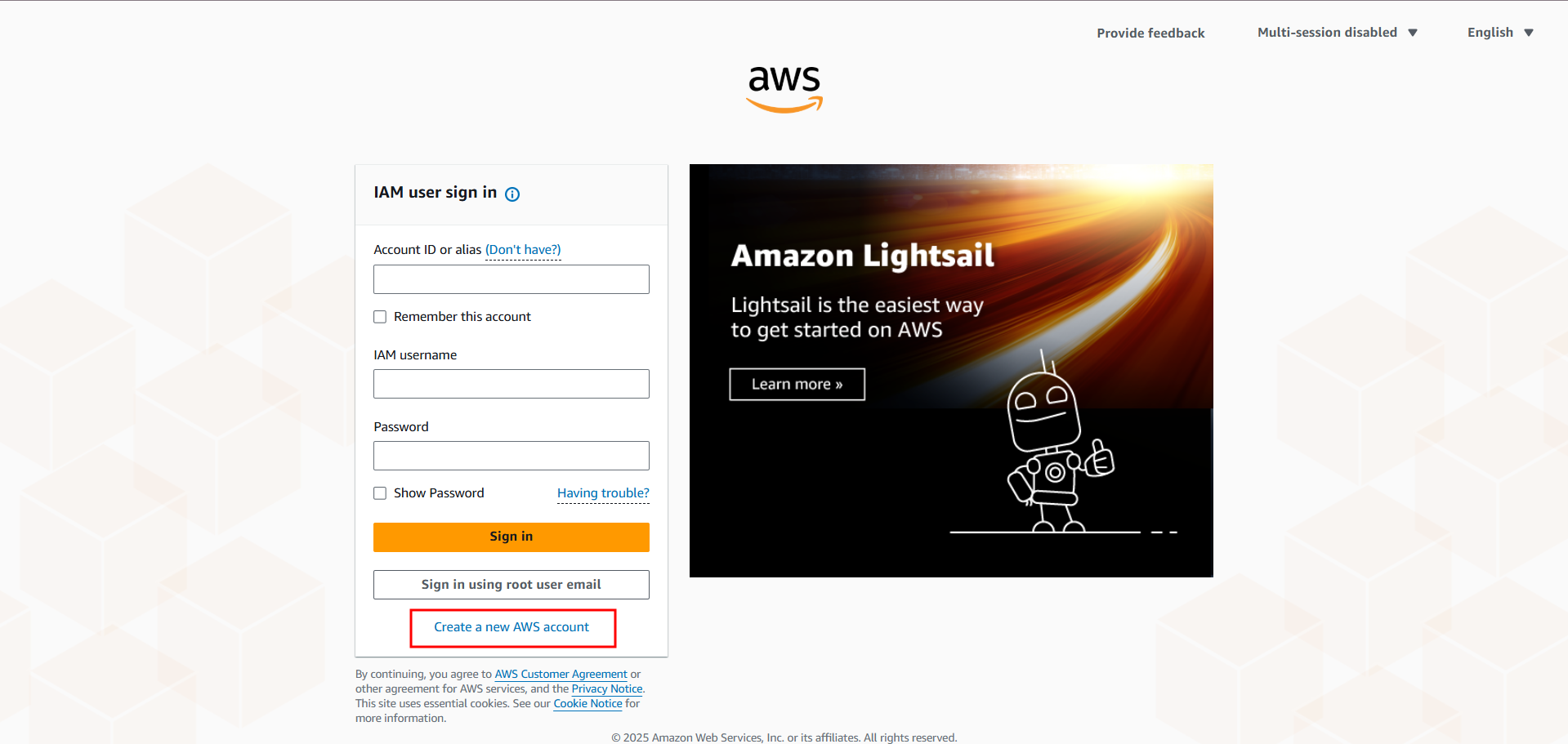
  • Go to AWS Console
  • Click on “Create a new AWS account”.
AWS CONSOLE HOME PAGE

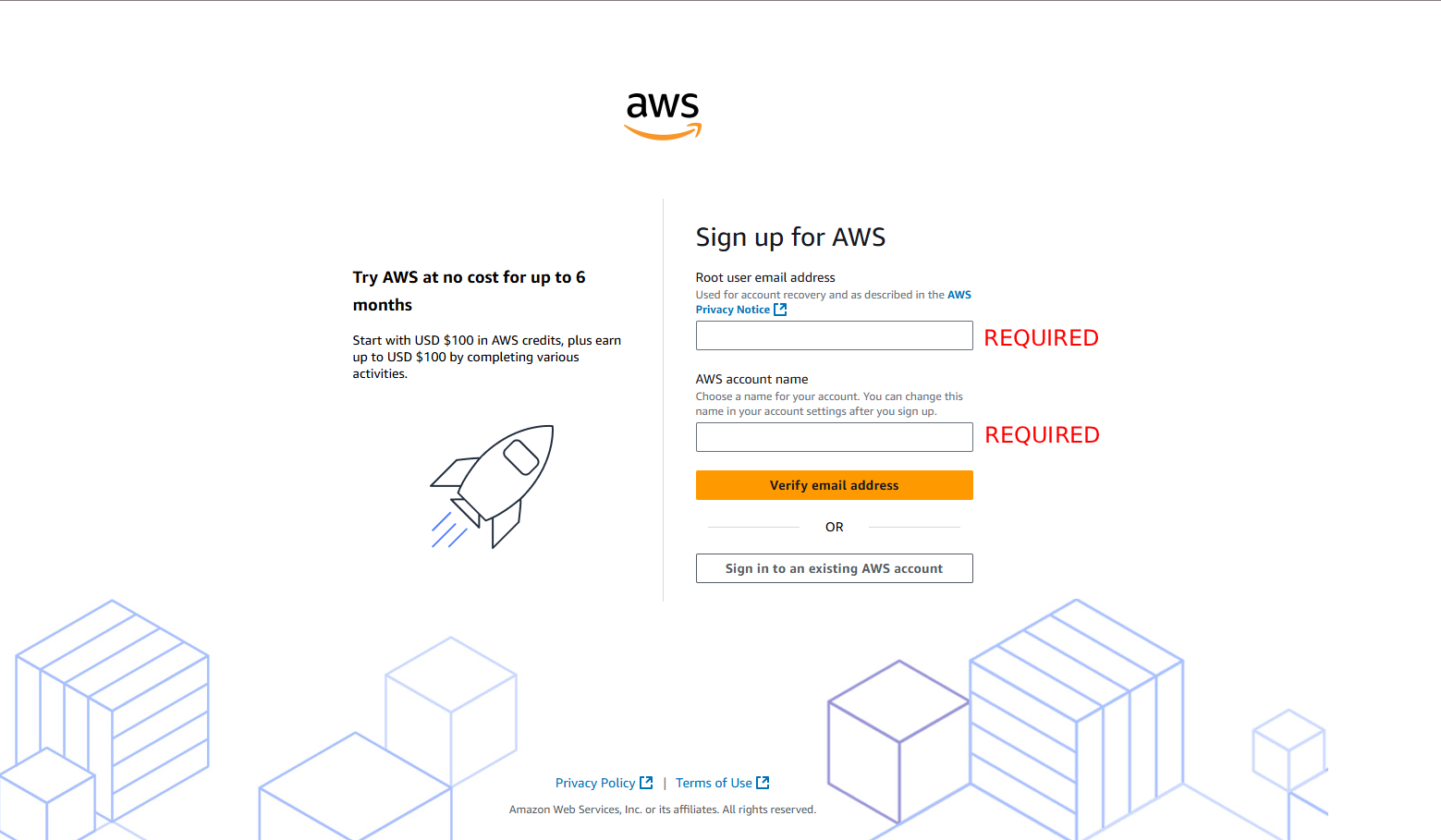
2. Provide Root E-Mail and Account Name

The root email is the main (admin) email, which will have the rights to access and perform any action.

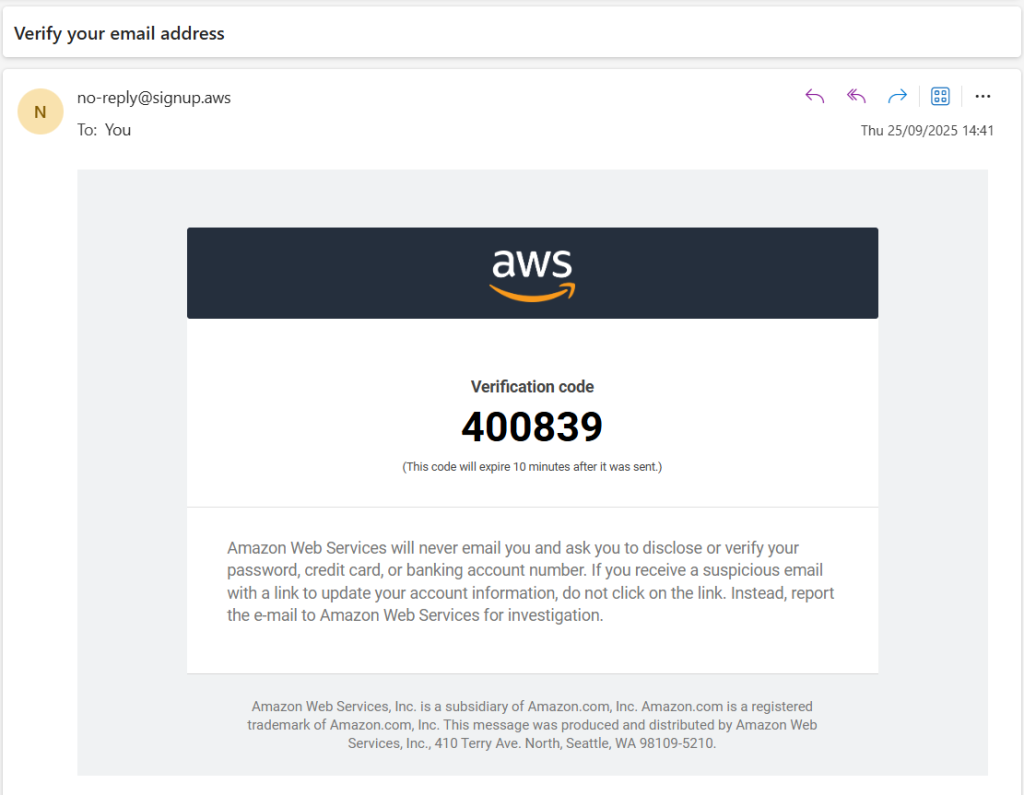
After providing the details (root email and account name), you will be asked to verify your email by providing the OTP sent to the email you provided.
AWS Root Email and Account Name Input Page
AWS OTP Verification Mail

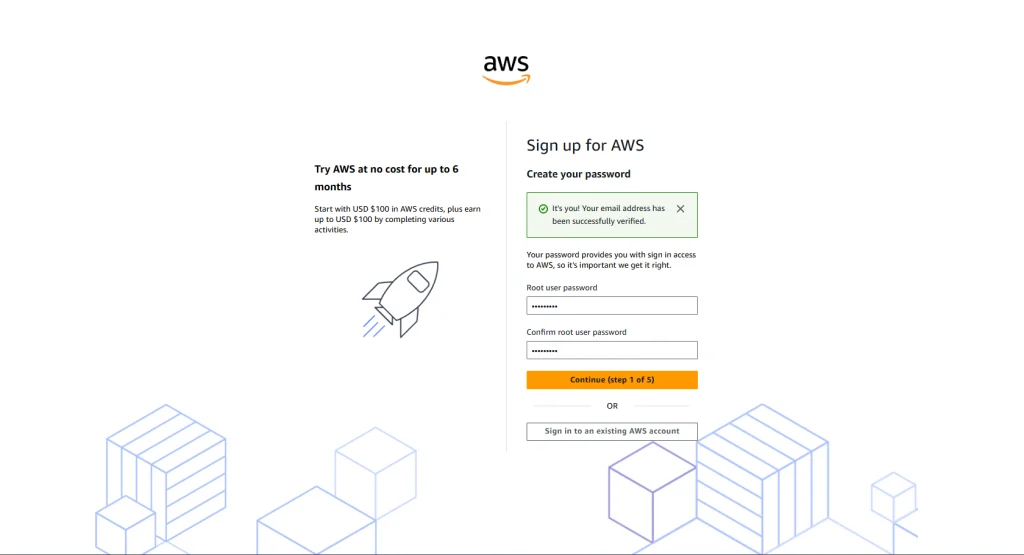
3. Password for Root E-Mail

The next step after e-mail verification will be to provide a password. This password will be used with the root email to log in to the AWS Console and access the services.
AWS Root Password Input Page

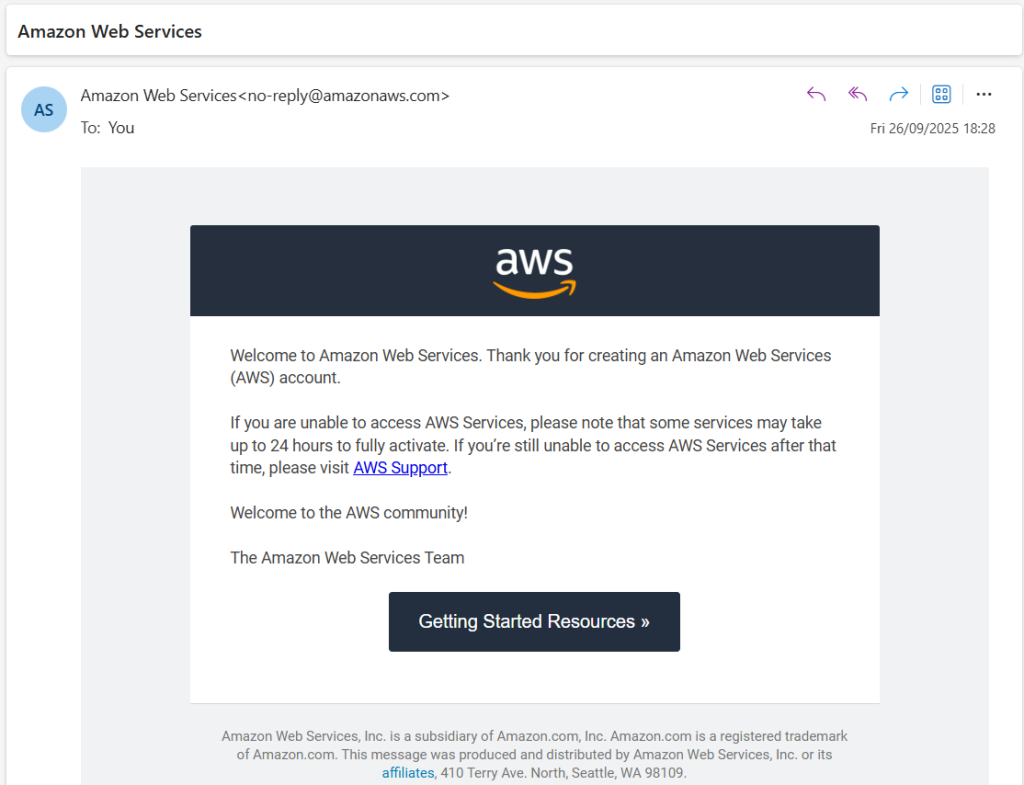
Account Creation Mail

Once you provide the root password and proceed, you get a successful account creation email.
AWS Account Creation Mail

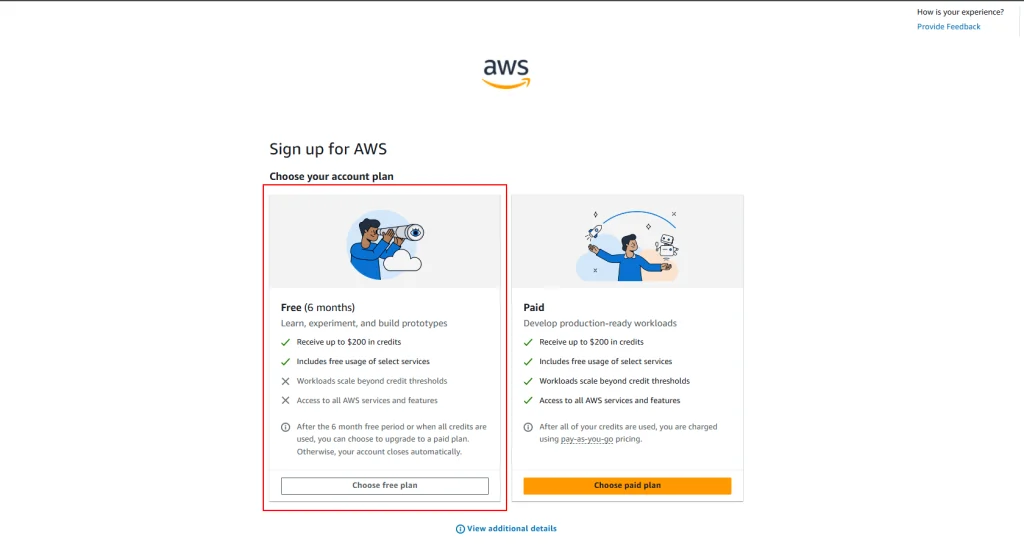
4. Select AWS Plan Type

We have two AWS plans. We will proceed with the AWS free plan.
AWS Plan Choose Page

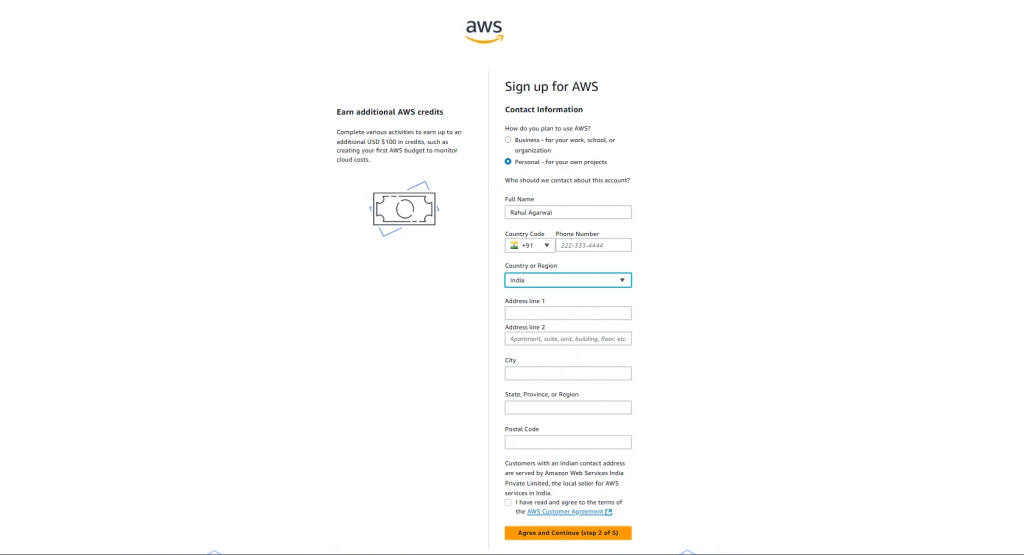
5. Provide Address Information

AWS requires information such as Person name, contact number, address, etc. So that in any scenario, the person can be contacted.
AWS Contact Person Information Input Page

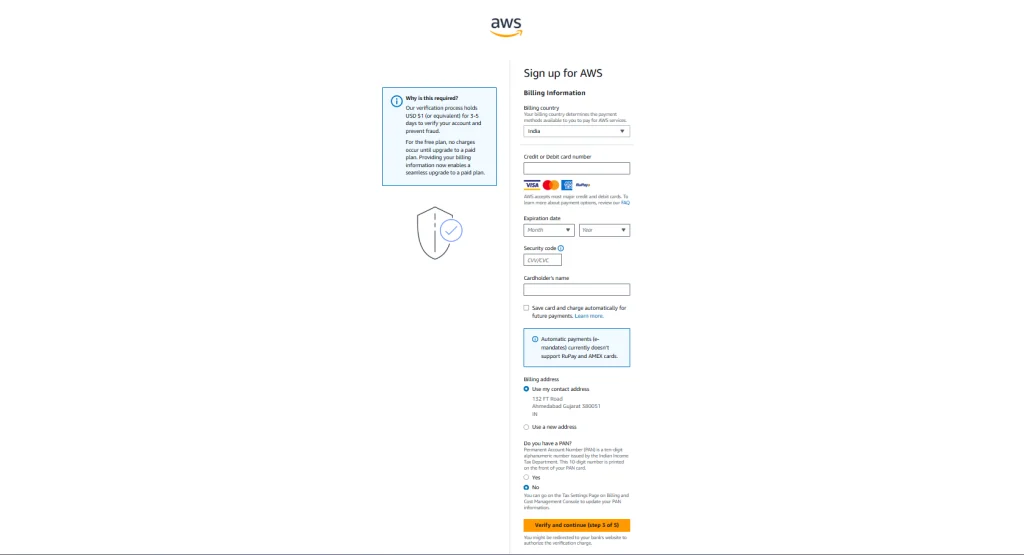
6. Payment Method Information

This is the most important point. In this step, AWS does not charge any amount; it is just a method of verification.

AWS collects payment information to ensure legitimate accounts are created, prevent fraudulent account creation, and ensure a smooth transition to the AWS Paid Plan when required.

Also, remember that if the Free Tier limits are exhausted, the charges start incurring, so make sure to use only the services that are required, and you are responsible for those.
AWS Billing Information Input Page

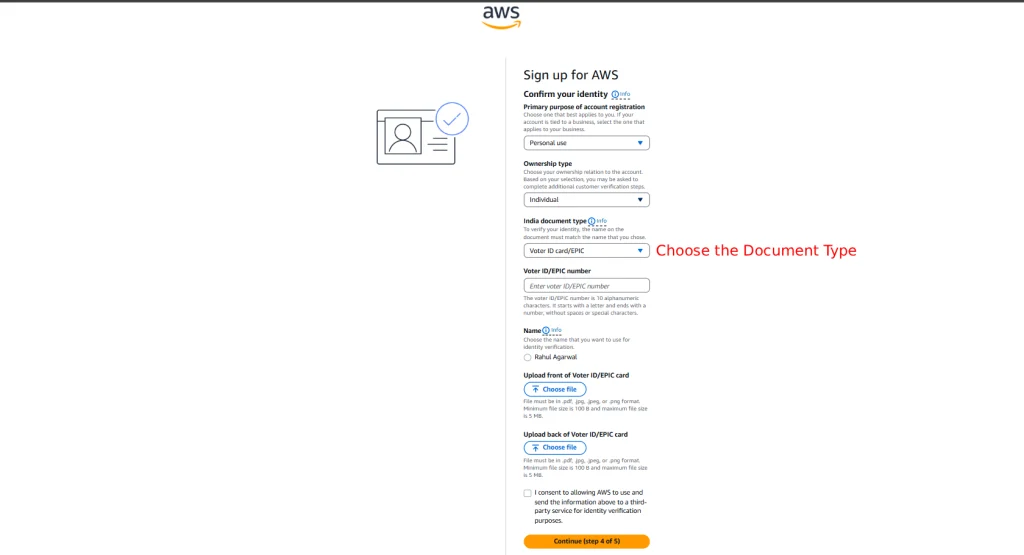
7. Confirming Person Identity

In this step, AWS confirms the person’s identity by verifying either the person’s Pan Card / Driving License / Voter ID Card in India.
AWS ACCOUNT CREATION - IDENTITY CONFIRMATION STEP IMAGE

Mail after uploading the document

AWS Mail after Uploading Document

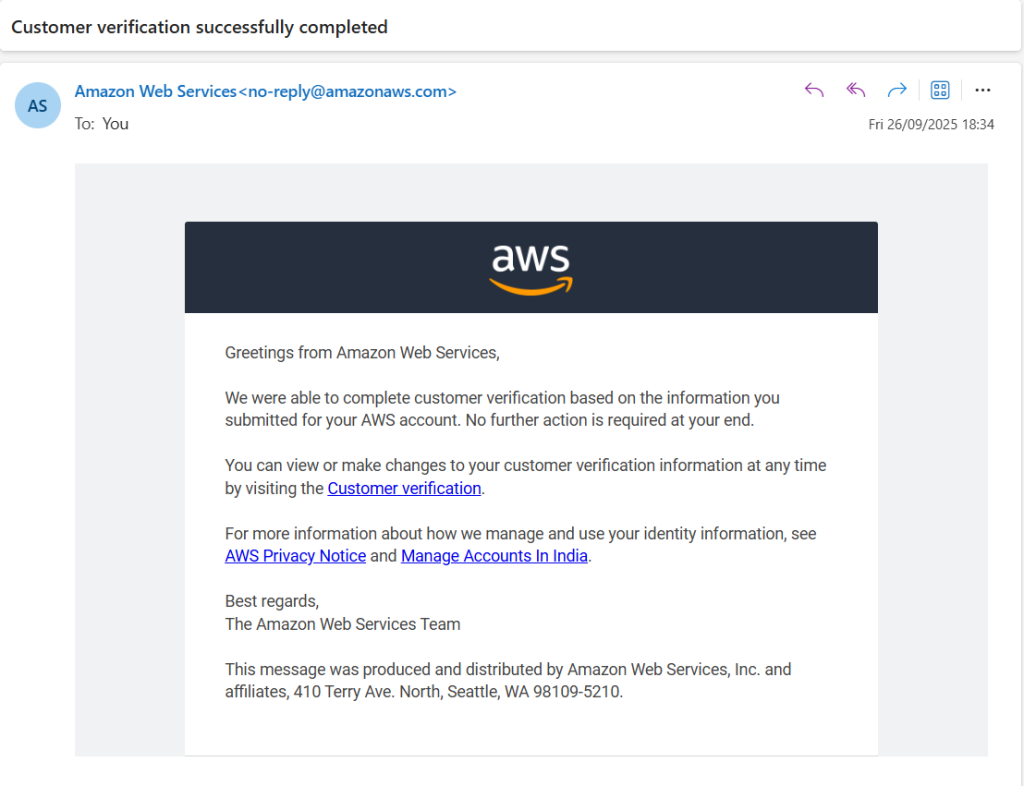
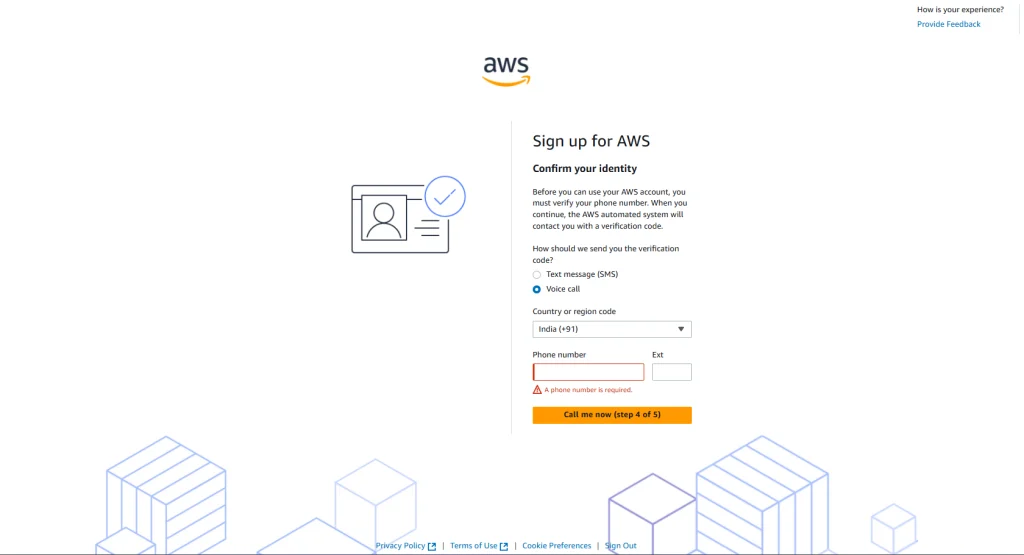
8. Contact Verification

This is the final step of verification, which includes verification of the mobile number. It can be done either through SMS (Text message) or Call.
AWS Contact Verification Page

That's it!

You will receive an email upon successful completion once all the above steps are completed.

Before 15 July

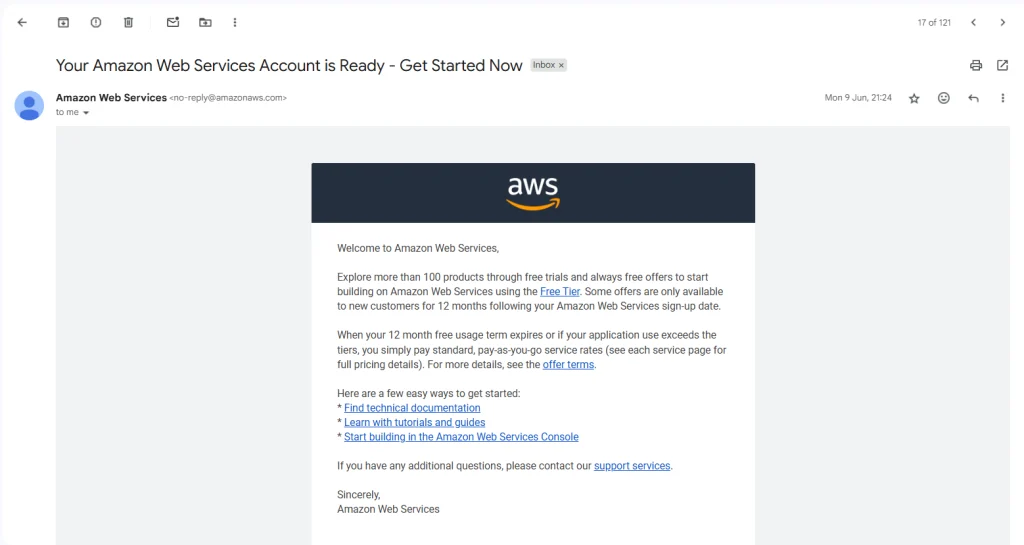
Before 15 July 2025, AWS Free Tier provided 12 months of Free Service in various products. This has been revised to 6 Months of AWS Free Tier in products.
AWS Confirmation Mail before 15 July 2025
Note!
Just remember that the services you are starting/launching are under the free tier (can be checked through AWS official pages). If the services aren’t included in the free tier, then charges will start to incur. To avoid charges, check the running services in the AWS Console.

For help, you can comment or email me at imagarwal05@gmail.com

Leave a Reply